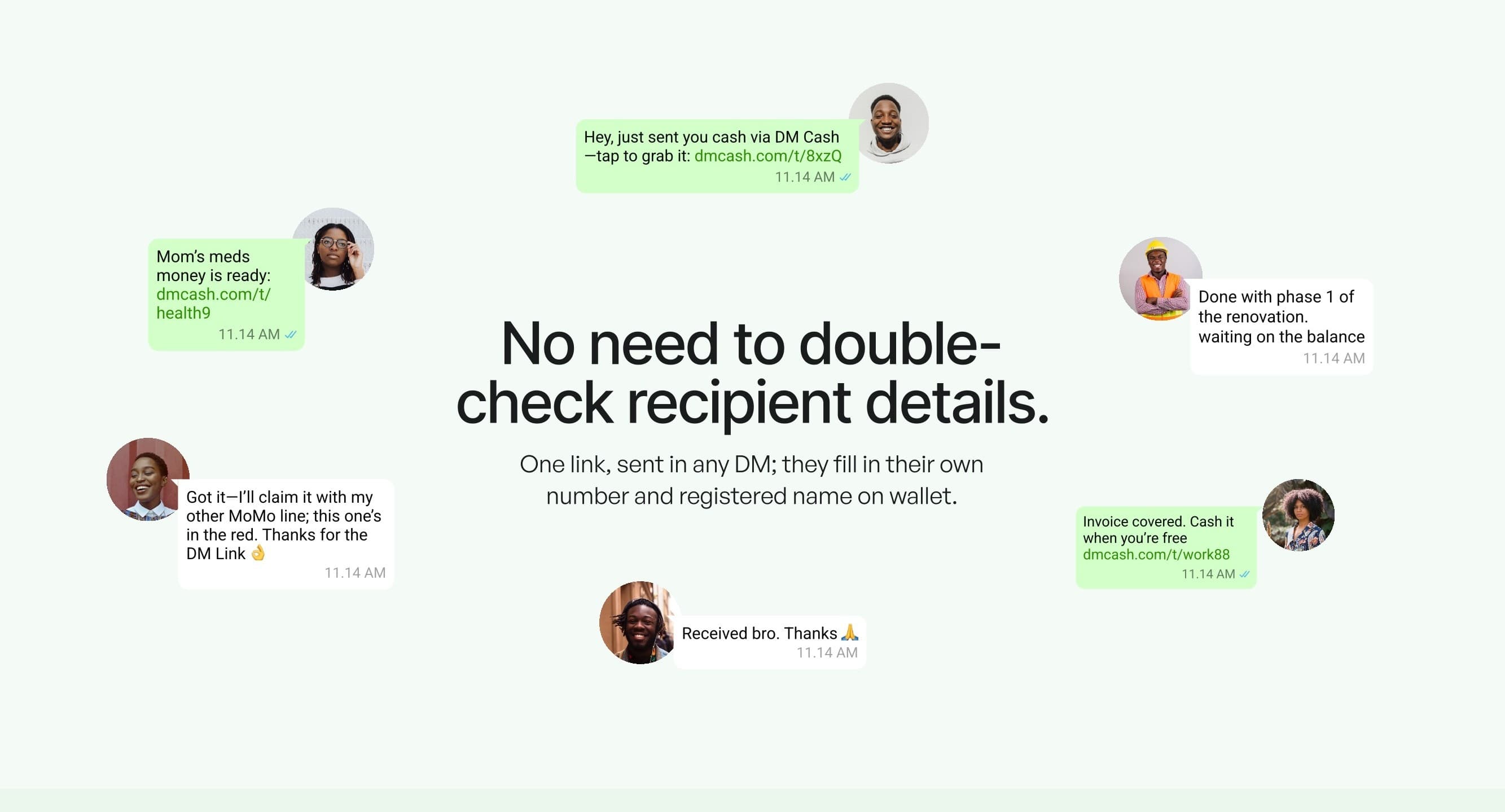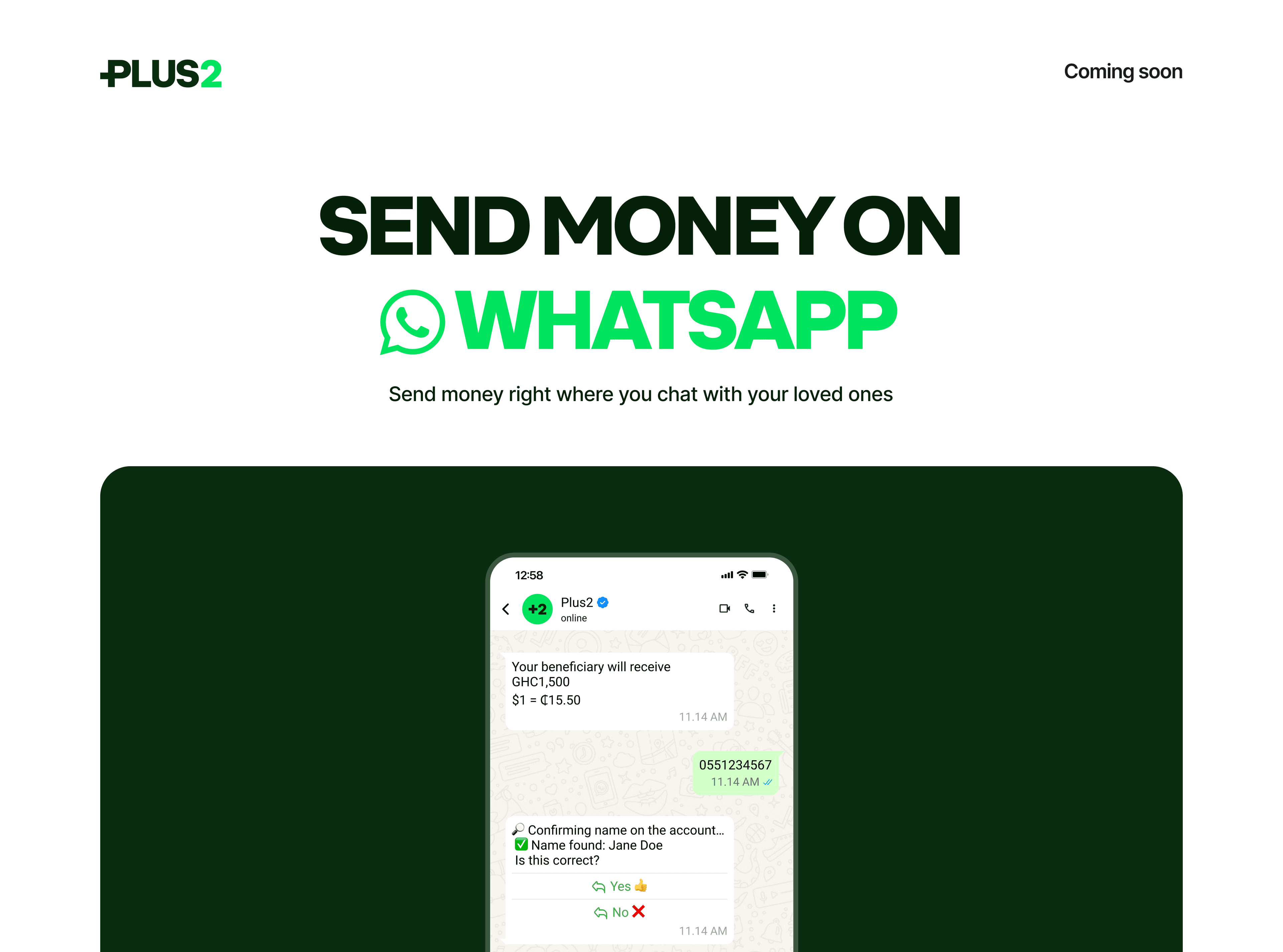
WhatsApp Plus 2.0 is the second WhatsApp-inspired interface I built for the same client, shaped around React performance optimization for low-end mobile. It extended the first project's responsive Material UI system with dark and light themes and split-view tablet layouts, reused 60% of its components, and reached a 92 Lighthouse mobile score after Vite build work cut mobile render times by 30%.
The problem
After the first project, a pixel-accurate money transfer interface built from Figma, the client came back for an upgraded version. Plus 2.0 asked more of the same codebase: a dark mode next to the light one, layouts that use the extra width of a tablet instead of stretching a phone screen across it, and multi-window arrangements. It also had to fit into the Material UI components I had already delivered, not replace them.
The harder requirement was speed on low-end mobile devices. Every one of those additions brings more code and more theme logic, and on a slow phone the cost shows up as time spent parsing and running JavaScript before anything appears, well before the network becomes the bottleneck. A feature list that grows while the target device stays weak was the real constraint of this project.
My role
I built Plus 2.0 on top of the component set from the first delivery. My work covered extending the MUI theme into dark and light modes, building the tablet split views and multi-window layouts, and the build and render work for low-end phones. The client worked with me iteratively, so features arrived in rounds and were reviewed between them rather than handed over in one drop at the end.
Architecture and tech stack
Start from the first project's components
The components from the first delivery had already been checked against the design at 17 layouts and already carried 48px touch targets and scaling type. Reusing them, 60% of the final component set in the end, meant my time went into what was new for Plus 2.0 instead of rebuilding and re-testing work the client had already signed off.
Dark and light mode through MUI's theme provider
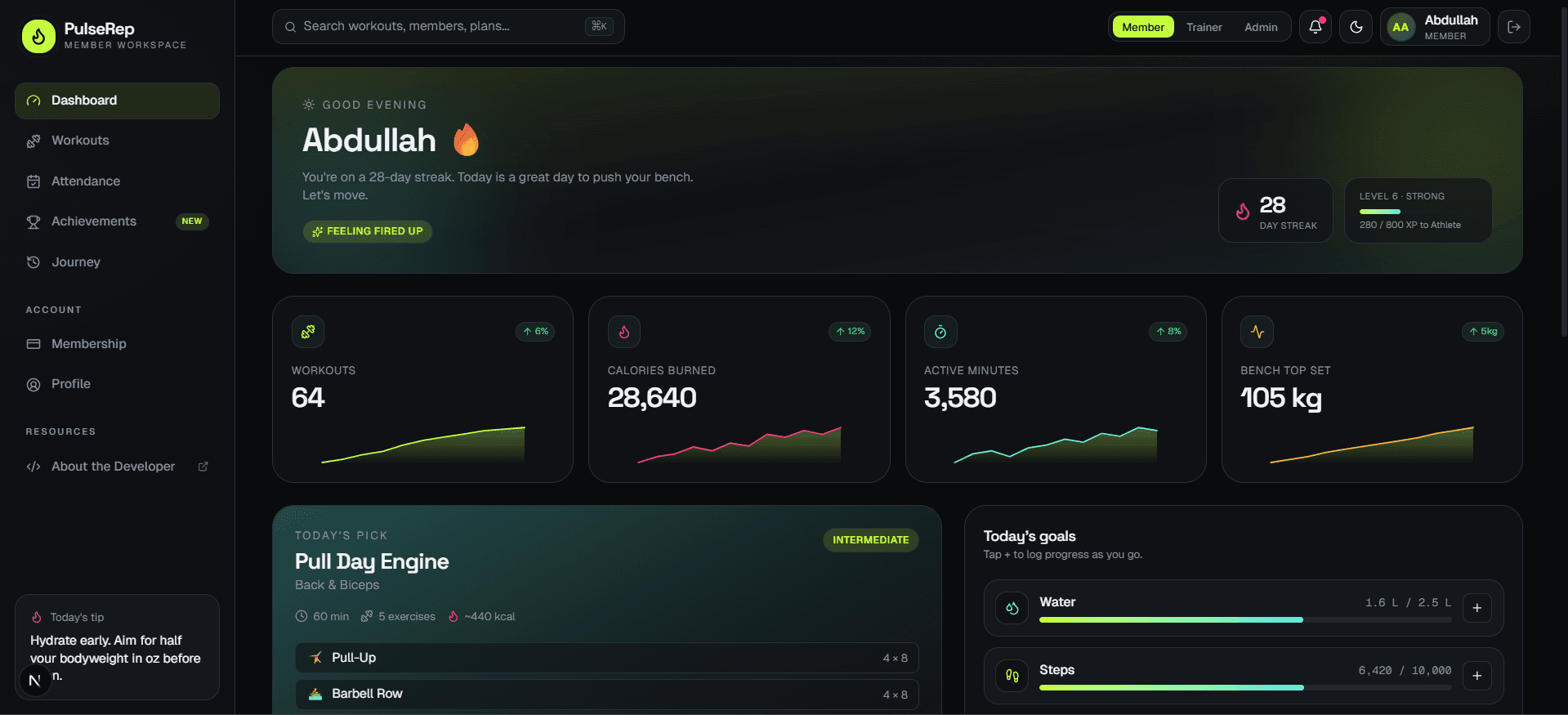
Because colours in the first project lived in the MUI theme rather than in individual components, a second mode was mostly a second palette passed through the theme provider. Components that read their colours from the theme switched with it, which kept dark mode from turning into a restyle of every screen.
Split views from the 600px breakpoint
On a tablet, a single phone column stretched to full width wastes most of the screen. From 600px up the layout splits into side-by-side panes, closer to a desktop app. That value matches MUI's own small breakpoint, so the split views sit on the breakpoint system the existing components already used instead of introducing a second one.
Vite build work, judged by Lighthouse mobile
I needed a measure that reflected a weak phone rather than my development machine. Lighthouse's mobile audit throttles the CPU and network to approximate a slower device, so it was a fair check on the Vite build changes. Together they brought mobile render times down by 30%, and the final mobile performance score was 92.
Key features
- Dark and light modes switched through MUI's theme provider.
- Split-view tablet layouts from the 600px breakpoint up, arranged like a desktop app.
- Multi-window layouts alongside the split views.
- 60% component reuse from the first project's Material UI library.
- 30% faster mobile render times after build optimization in Vite.
- A 92 Lighthouse mobile performance score, with low-end phones as the target device.
Challenges and how I solved them
Dark mode on components built for one palette
- Problem
- The reused components had only ever been checked in a light palette. Dark mode tends to expose the colour assumptions that light mode hides: dividers that vanish, shadows that do nothing, icons and text that lose contrast on a dark surface.
- Solution
- I went through the reused components in both modes and moved any remaining fixed values onto theme palette tokens, so each component asks the theme for its colour instead of assuming one.
Reusing components without bending them
- Problem
- A reused component that is edited for every new requirement stops being the component that was tested. Plus 2.0 needed new behaviour from parts that had worked well in the first project.
- Solution
- New behaviour went in as props and theme variants on the existing components rather than as changes to their defaults, so the 60% carried over from the first project kept behaving the way it had been reviewed.
Measuring on the device that matters
- Problem
- A development laptop makes nearly any React app feel quick. The people this release had to work for were on phones with far less processing power, and the gap does not show up until someone opens the app on one.
- Solution
- I treated mobile render time and the throttled Lighthouse mobile audit as the numbers to watch while changing the build, and kept going until render times were 30% faster and the mobile score reached 92.
Results
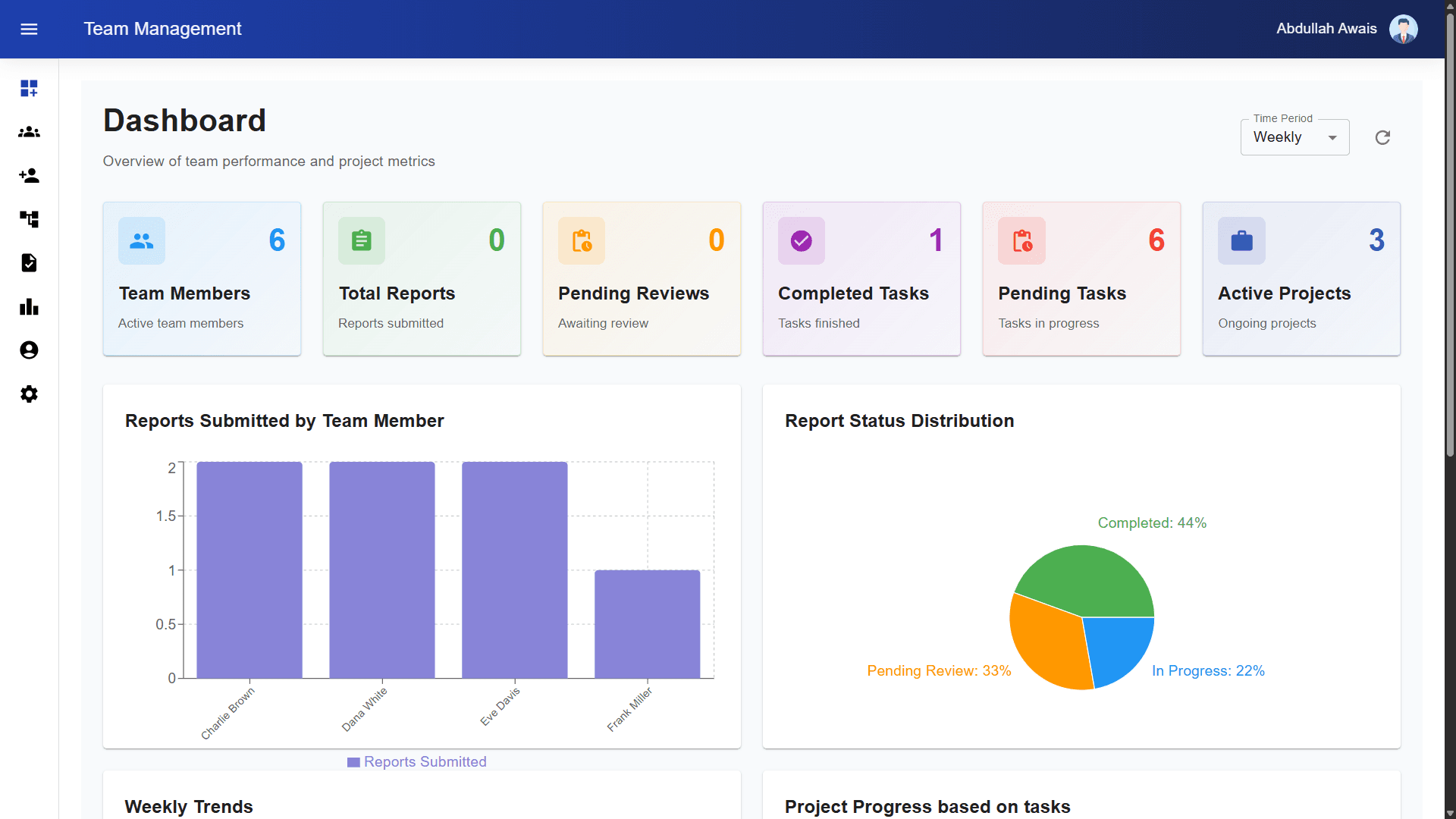
Plus 2.0 shipped with dark and light modes, tablet split views and multi-window layouts, while 60% of its components came straight from the first project. The client put the link between the two deliveries in their own words: "Our second project's success was possible because of the rock-solid MUI foundation established in the first delivery." I used the same React, Vite and Material UI combination later for the role-based dashboards in my Team Management System.
- 92
- Lighthouse mobile performance score
- 30% faster
- mobile render times
- 60%
- of components reused from project 1
- 600px+
- split-view layouts on tablets
What's next
If the client comes back for a third round, I would move the components the two projects share into one versioned package, so a fix lands in both instead of being copied across. I would also run the Lighthouse mobile audit in the build, so a drop below 92 is caught before release. The first project's case study covers how that shared foundation was set up.