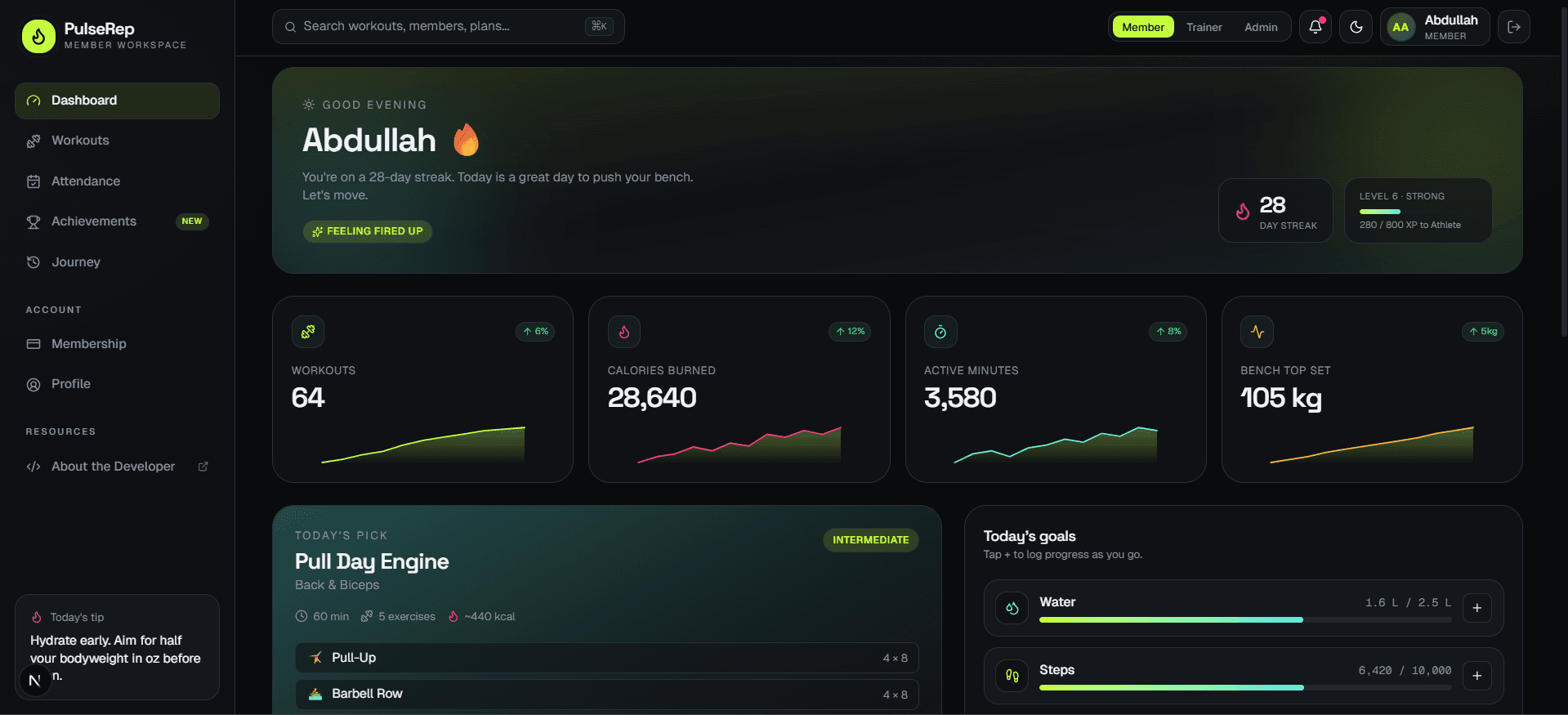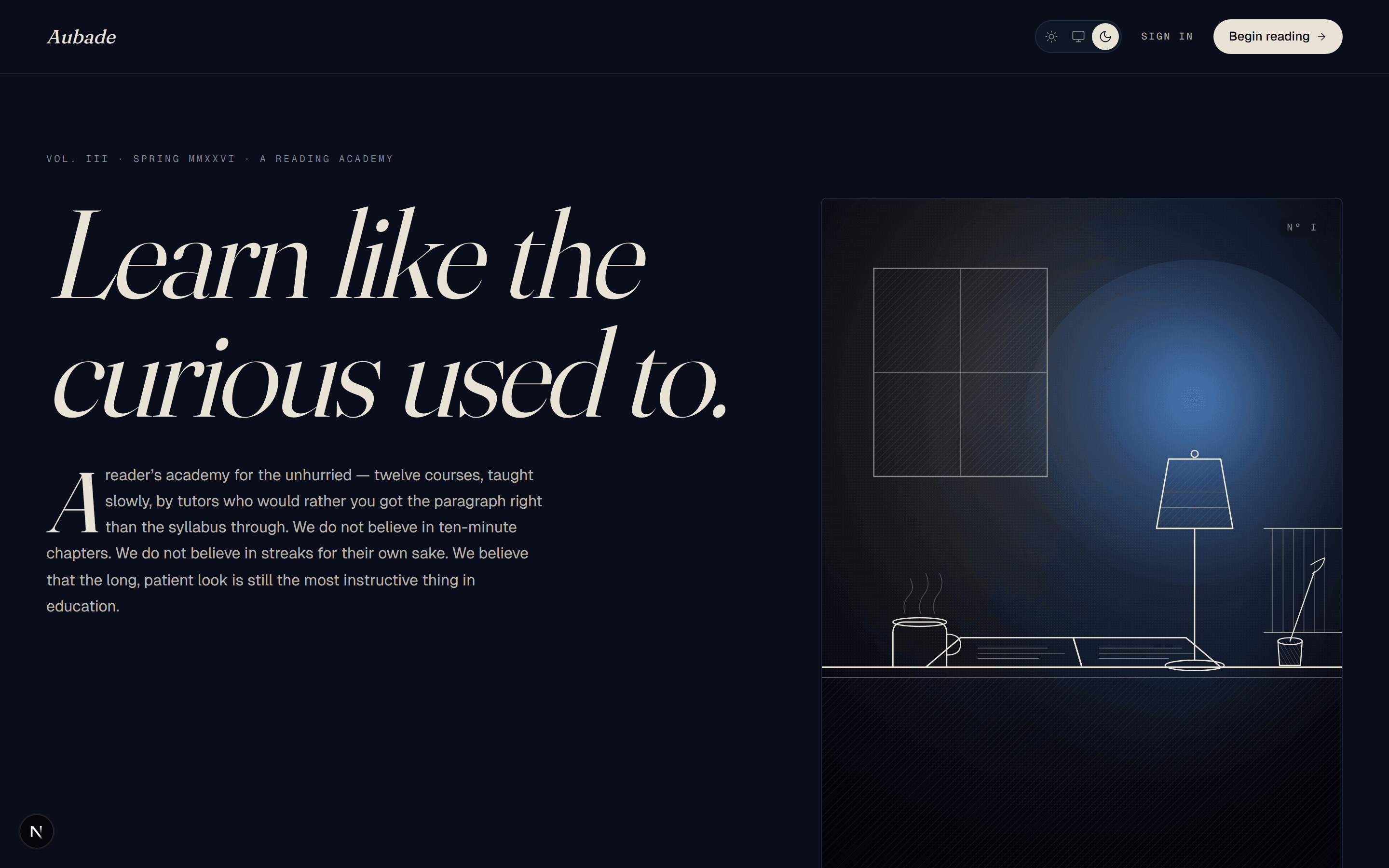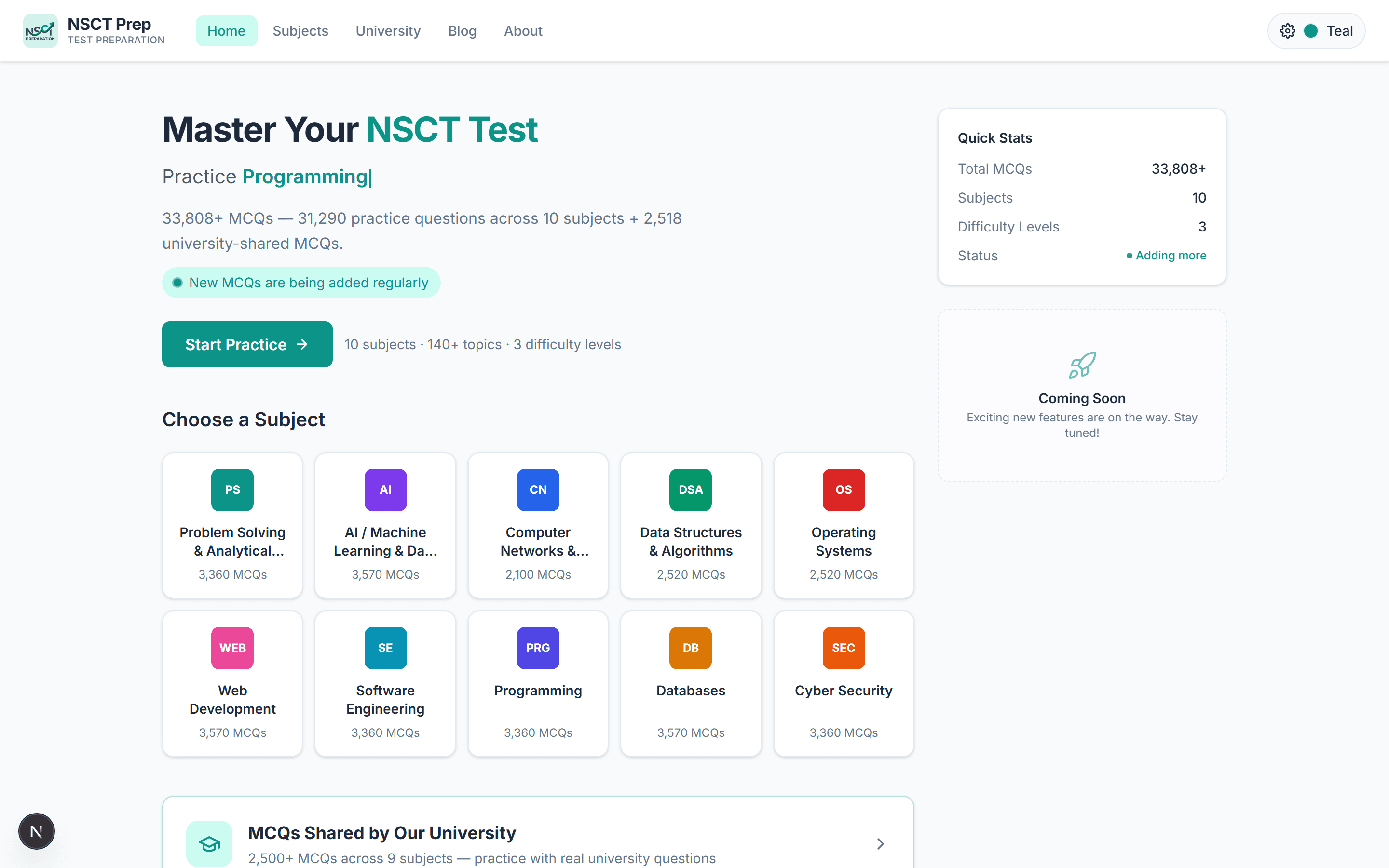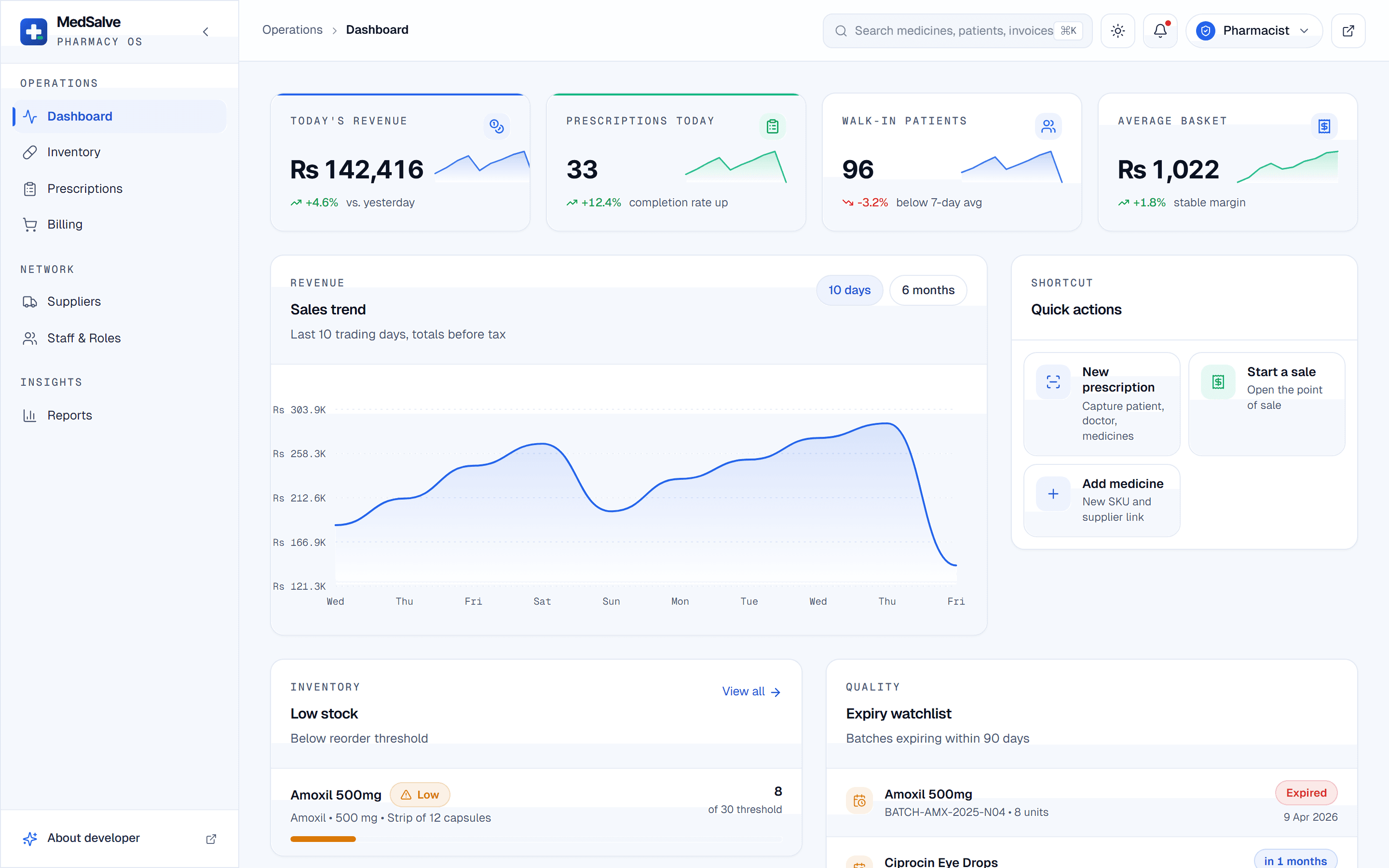
MedSalve is a pharmacy management system UI I built as a frontend-only portfolio showcase. It brings a clinical dashboard, batch-level inventory, a prescription pipeline, cart-style billing, suppliers and reports into one workspace for three operator roles, all running on illustrative mock data. It is built with Next.js 16, React 19, TypeScript and Tailwind CSS 4 on the App Router.
The problem
Back-office software for pharmacies tends to be organised around the database instead of the counter. Stock lives on one screen, prescriptions on another, billing somewhere else, and the alert that a batch is about to expire sits three clicks away from the person who could act on it. The work on a shift is fast and interleaved: check a shelf, verify a prescription, ring up a sale, answer a supplier.
I wanted a portfolio piece that showed what a calmer version of that tool could look like, with inventory, prescriptions, billing and reporting sharing a single workspace. It is a frontend showcase only. There is no backend, no real pharmacy behind it and no patient data: every medicine, supplier and patient on screen is illustrative, and the site footer says so in plain words.
My role
I designed and built the MedSalve frontend: the healthcare colour palette and its light and dark themes, the sidebar and workspace layout, each operational screen, the mock records that feed them, and the hand-drawn SVG charts in Reports. The site credits it as a frontend template by me, and it is meant to be read the way a client would read a design proposal: as a working, clickable answer to how this kind of product should feel.
Architecture and tech stack
The App Router mapped onto how a pharmacy works
The sidebar splits the product into workspaces (Dashboard, Inventory, Prescriptions, Billing) and operations (Suppliers, Reports, Staff and roles), plus the legal pages. I organised the Next.js 16 App Router around that same split, so the navigation a visitor sees and the folder structure in the code describe the same mental model of the pharmacy.
Mock data shaped like connected records
A pharmacy UI is only convincing if its screens agree with each other. Each SKU in the mock data links to a supplier, a batch and an expiry date, so a low-stock item on the dashboard is the same item in Inventory and the same supplier in the purchase orders. Typing those records in TypeScript kept the links honest as screens were added, without inventing a server to hold them.
A custom healthcare palette in Tailwind CSS 4
Clinical software has to stay legible under bright overhead light and on a night shift, so I built a dedicated palette for the product instead of reusing a generic theme, with light and dark variants of every surface. Alerts and status colours were picked so that an expiry warning reads clearly in both modes.
Hand-built SVG charts for Reports
The dashboard sales chart and the report charts are drawn directly in SVG. For a handful of charts that had to match a custom palette in two themes, drawing them myself gave full control over every line and label. My PulseRep fitness tracking frontend took the other route with Recharts, which suits a product where charts are the main event.
Key features
- A clinical dashboard with revenue, prescription, walk-in and average-basket KPIs, a sales chart, and low-stock and expiry alerts.
- Batch-level inventory: every SKU traced to its supplier, batch and expiry date, with ageing and low-stock warnings.
- A prescription pipeline that walks through capture, verification and dispensing, with a patient profile and an allergy match against that profile.
- Cart-style billing with live tax, discounts and a printable invoice.
- A supplier network showing lead times, payment terms and active purchase orders, with restock requests raised from the dashboard.
- A live role switcher for Pharmacist, Admin and Cashier, where each role sees only the screens it is meant to.
- Light and dark themes on the custom healthcare palette.
Challenges and how I solved them
Showing permissions without a server
- Problem
- Role-aware access is central to how a pharmacy system should behave, since a cashier should not see the same controls as an administrator. With no backend there is nothing to enforce it, and a showcase still has to make the idea visible.
- Solution
- The role switcher changes which workspaces and actions are shown, live, so a visitor can flip from Pharmacist to Cashier and watch the interface narrow. I describe it as a demonstration of role-aware UI, because in a real deployment the same rules would have to be enforced by the API as well.
Designing decision support honestly
- Problem
- An allergy match is one of the most useful things a prescription screen can surface, and also the easiest to oversell. A portfolio piece with mock data should not look like it is giving clinical advice.
- Solution
- The allergy match compares the mock patient profile with the item being prescribed and raises a visible flag inside the verification step. It shows how the flow and the warning would sit in a pharmacist's workday, and it is presented as interface design on illustrative data, not as clinical software.
Making a demo feel like a real shift
- Problem
- Empty states and lorem ipsum make a dashboard look like a template. Reviewers judge an operations UI by whether the numbers, alerts and lists look like they came from the same day.
- Solution
- The illustrative data is written as one coherent pharmacy: revenue in PKR, a count of prescriptions and items running low, purchase orders in transit, and batches close to expiry that also appear in Inventory. Because the records are linked, clicking through tells a consistent story.
Results
MedSalve is live at medsalve.abdullahawais.com as a clickable preview. A visitor can switch roles, browse inventory down to the batch, capture a prescription and process a sale at the billing counter, all in the browser and all on illustrative data. It sits alongside Aubade, my LMS frontend showcase as an example of how I approach a product interface when the brief covers every screen and every role.
What's next
A natural next step would be to put a real API behind the same screens, with role checks enforced on the server, the way I handled roles across the stack in the Team Management System. Until then, MedSalve stays a frontend template.