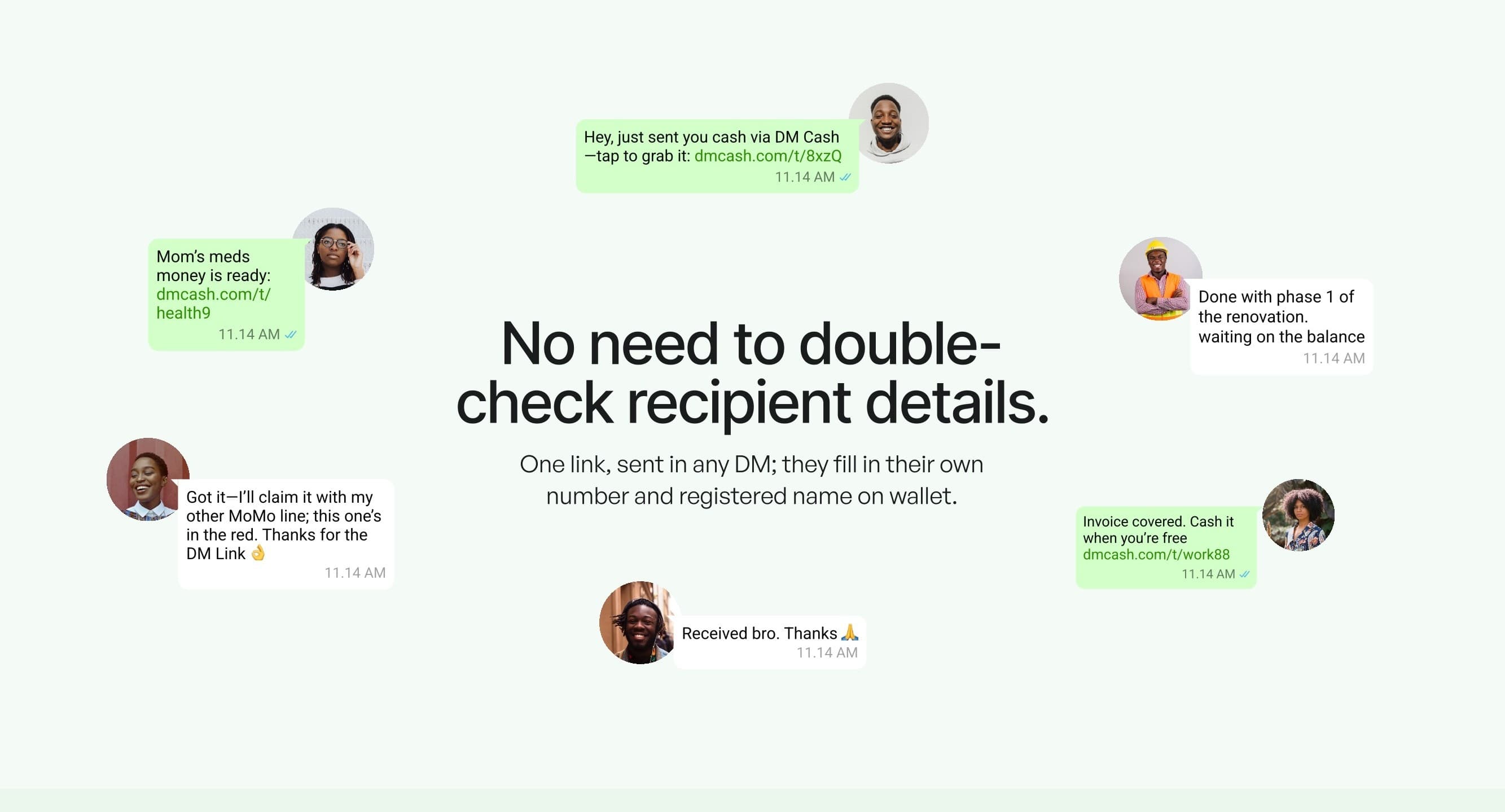
The WhatsApp Money Transfer Interface is a WhatsApp-inspired money transfer front end I built for a client as a Figma to React responsive UI. It was the first of two consecutive projects for the same client. The screens follow the Figma file 1:1 across 17 adaptive layouts, from 320px phones to 4K desktops, and use only Material UI components on React and Vite.
The problem
The client came with a finished Figma design for a WhatsApp-inspired money transfer interface and wanted it in React. The design file was the agreement: spacing, type sizes, icon weights and the small animations in the prototype were all expected to come through into code unchanged. What a Figma file cannot show is how a layout should behave at the widths nobody drew, and when the subject is money, a page that overlaps on someone's phone makes the product look less trustworthy.
The other requirement was about the code after handover. The client asked for an implementation built on Material UI alone, so the people maintaining it later would find one component system rather than MUI mixed with custom CSS written screen by screen. That closed off the usual shortcut for pixel-perfect work, adding one-off styles until a page matches the mockup, so the accuracy had to come from the MUI theme and its layout tools.
My role
I took the design from Figma to working React. That covered turning the design file into an MUI theme, building the components and screens, deciding how each layout responds between breakpoints, and recreating the micro-interactions from the client's prototypes. The visual design itself was the client's; my job was to make the code agree with it at every screen size.
Architecture and tech stack
The MUI theme as the home for the Figma values
Because the build had to be MUI only, the theme was the one place the design could live. I moved the Figma colours, type scale, spacing and corner radii into the theme, and overrode MUI's own component defaults there too. A value that changed in Figma then changed in one file, and every button, input and card picked it up without a per-screen fix.
Fluid grids plus useMediaQuery for 17 layouts
Covering 320px to 4K with three or four breakpoints would have left long stretches where a layout was simply stretched past what the design intended. Fluid MUI grids handle the proportional reflow, and useMediaQuery switches the structure at the points where a screen needs a different arrangement, which is how the project ended up with 17 adaptive layouts rather than a handful of stretched ones.
Typography and icons that scale with the screen
Sizes copied straight from a Figma frame are only correct at that frame's width. Text and icons here scale with the screen, so the proportions between a heading, its label and its icon stay the way the designer set them on a small phone and on a large monitor.
Vite for a short feedback loop
Most of the work was comparing a component against the design at one width, resizing, and comparing again. Vite's dev server and hot reload kept that loop short, and on a project judged on pixel accuracy, a short loop meant more of those checks got done.
Key features
- 17 adaptive layouts covering everything from a 320px phone to a 4K desktop.
- 1:1 Figma implementation: colours, spacing and type come from the design file through the MUI theme.
- Mobile-first touch targets of at least 48px on tappable controls.
- Auto-scaling typography and icons that keep the design's proportions at any width.
- Micro-interactions rebuilt to match the client's original prototypes.
- Material UI only, so the codebase has a single component system to learn and maintain.
Challenges and how I solved them
Seventeen layouts without seventeen copies
- Problem
- The fastest way to hit 17 layouts is to write a version of each screen per layout. It meets the spec on day one and turns every later change into 17 changes.
- Solution
- Each component is written once and takes its shape from the theme breakpoints, fluid grid sizing and useMediaQuery. Where a screen needs a different structure, the switch happens inside that component, so there is still one place to edit.
Touch targets on the smallest screens
- Problem
- Controls that look well proportioned on a large screen can end up too small to tap reliably once a layout shrinks to 320px, and a mis-tap on a money transfer screen is worse than a mis-tap almost anywhere else.
- Solution
- I set a 48px minimum for touch targets on mobile and applied it from the mobile layout upward, so small screens were the starting point and larger ones inherited the same tappable areas.
Matching the mockup inside an MUI-only rule
- Problem
- Material UI ships with its own opinions on padding, input heights and type, and those rarely line up with a custom design. Patching the gaps with loose CSS would have broken the one rule the client was firm about.
- Solution
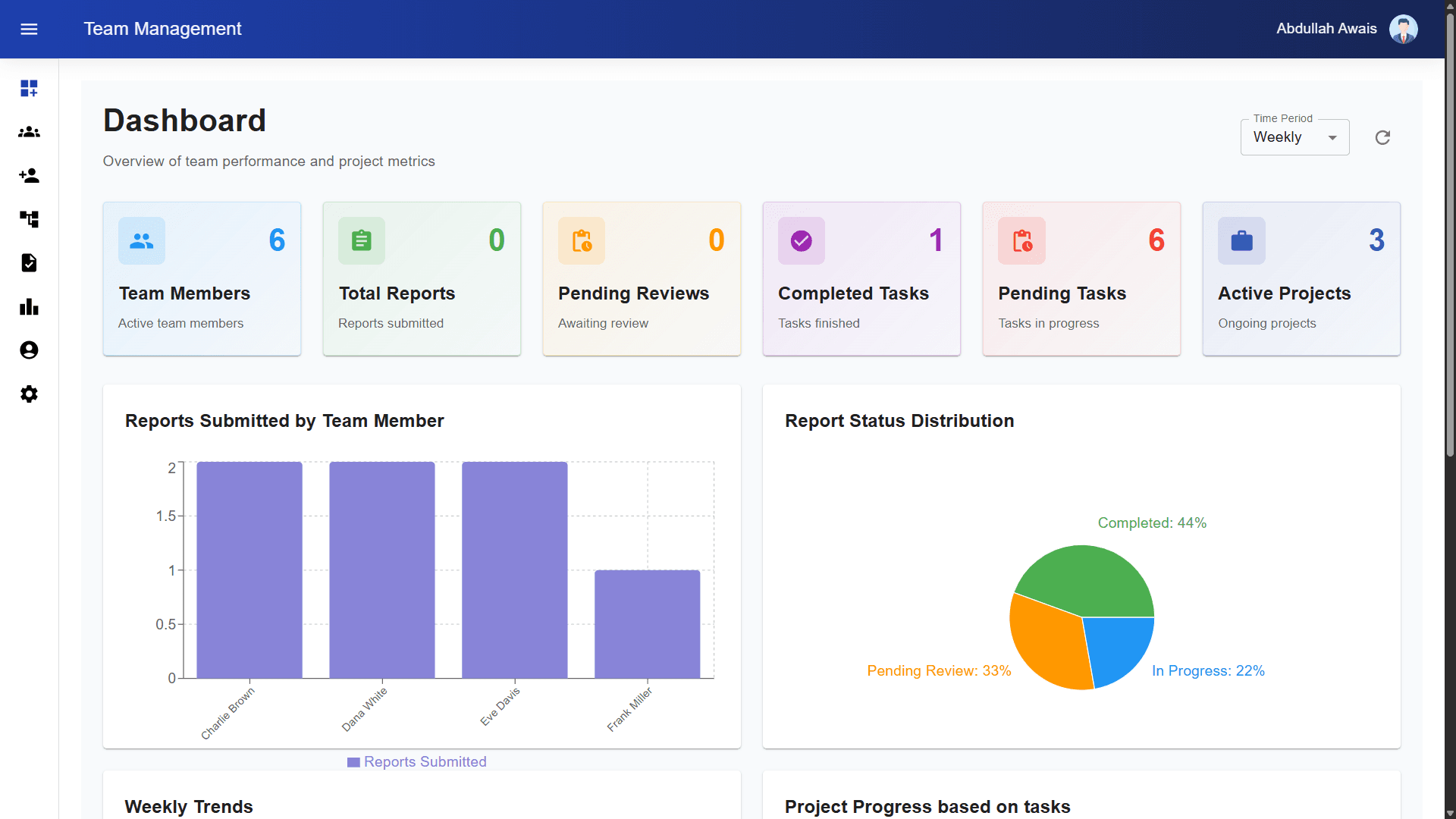
- The corrections went into the theme as component overrides and default props, so a stock MUI component renders the Figma version wherever it is used. The same theme-first habit carried into the Material UI dashboards in my Team Management System.
Results
The client received a React and Material UI interface that follows the Figma file across all 17 layouts. Delivery came in 40% faster than projected, and responsive QA issues dropped by 78%. In the client's words: "The precision of this responsive implementation set the standard for our subsequent collaboration."
That subsequent collaboration was WhatsApp Plus 2.0, a follow-up interface that reused 60% of these MUI components. The theme and component set from this project became its starting point.
- 17 layouts
- from 320px phones to 4K desktops
- 48px
- minimum touch target on mobile
- 40% faster
- delivery than projected
- 78% fewer
- responsive QA issues
What's next
On another pass I would add visual regression tests at each of the 17 layouts, so a theme change could be checked against the Figma frames automatically rather than by eye. The component library itself already had its next use: it is the base that the second project for this client was built on.