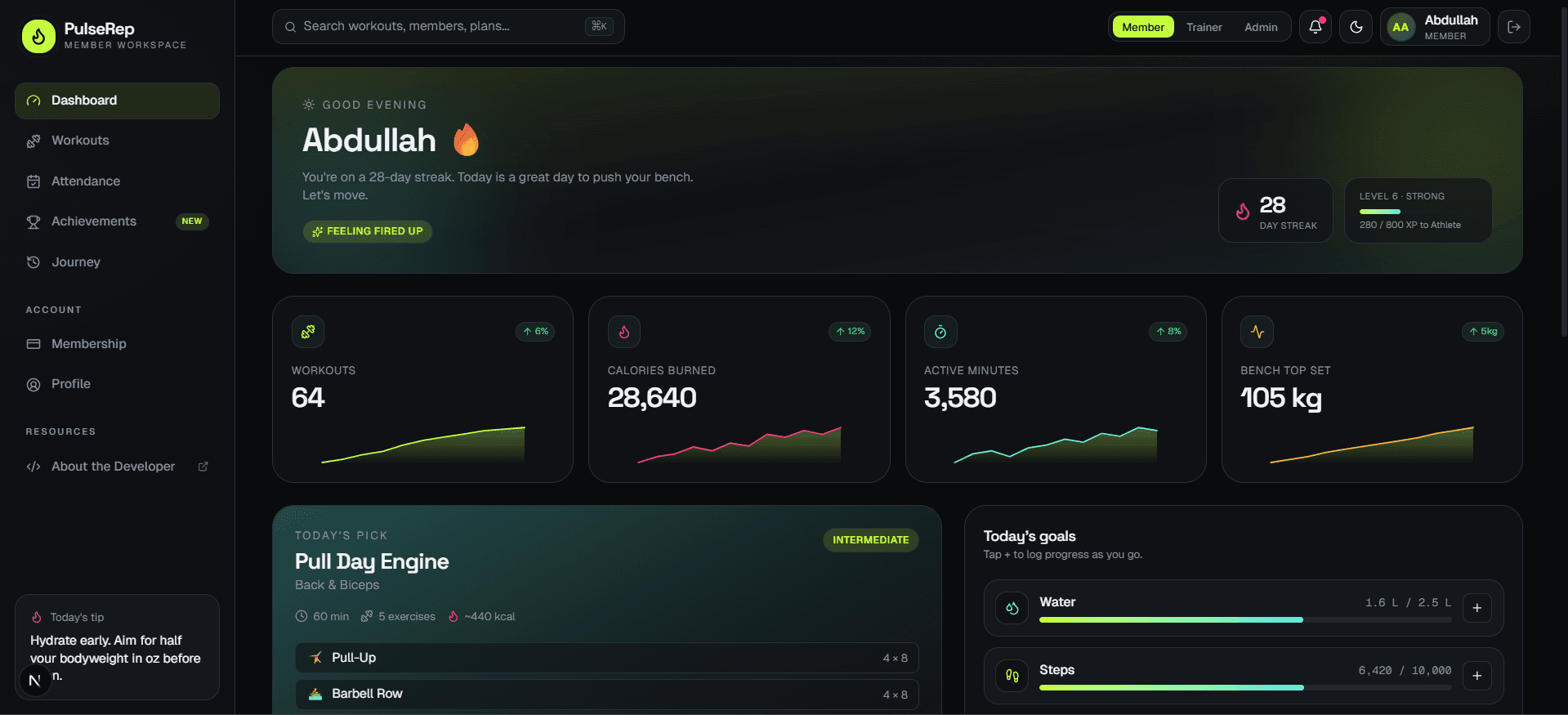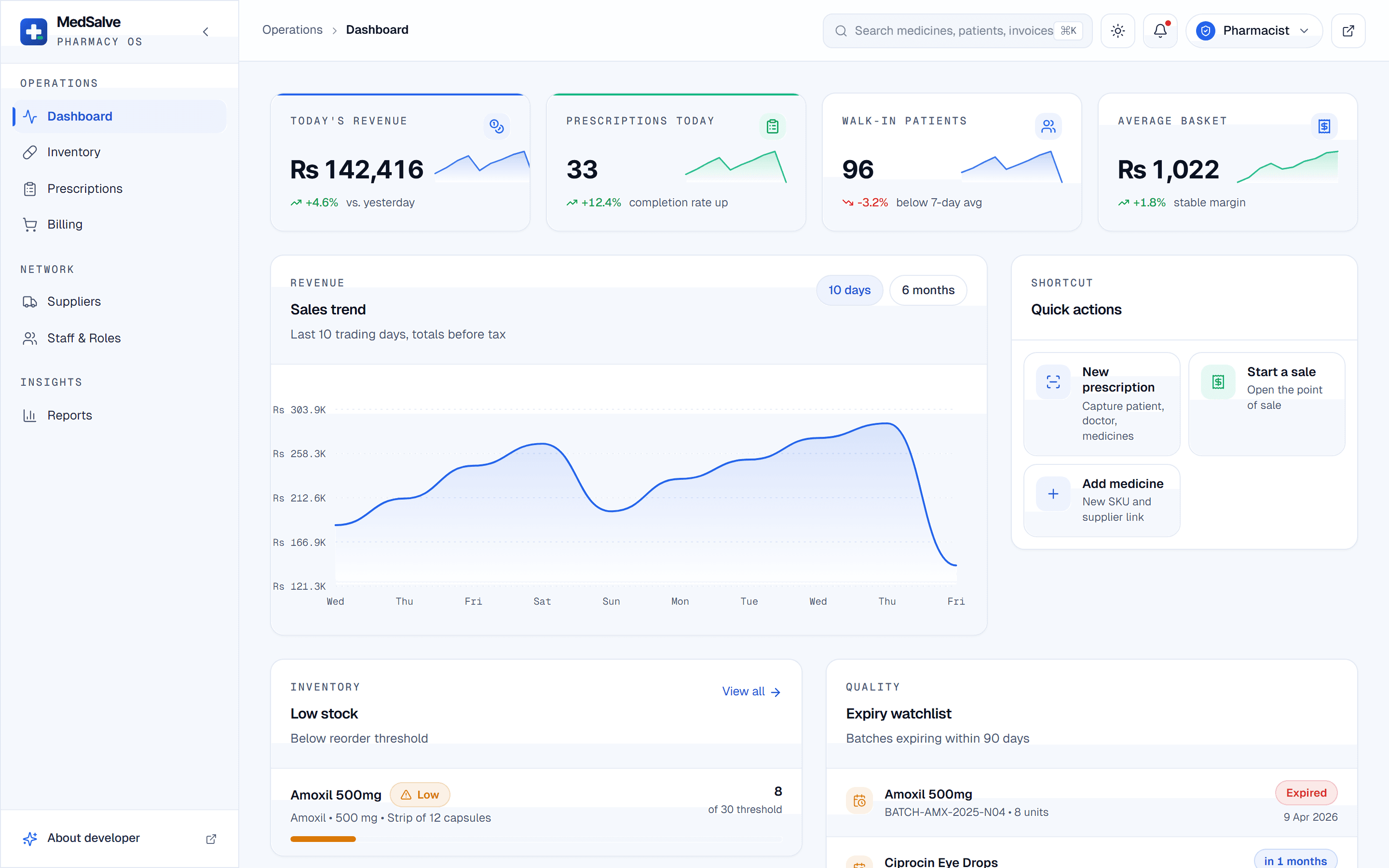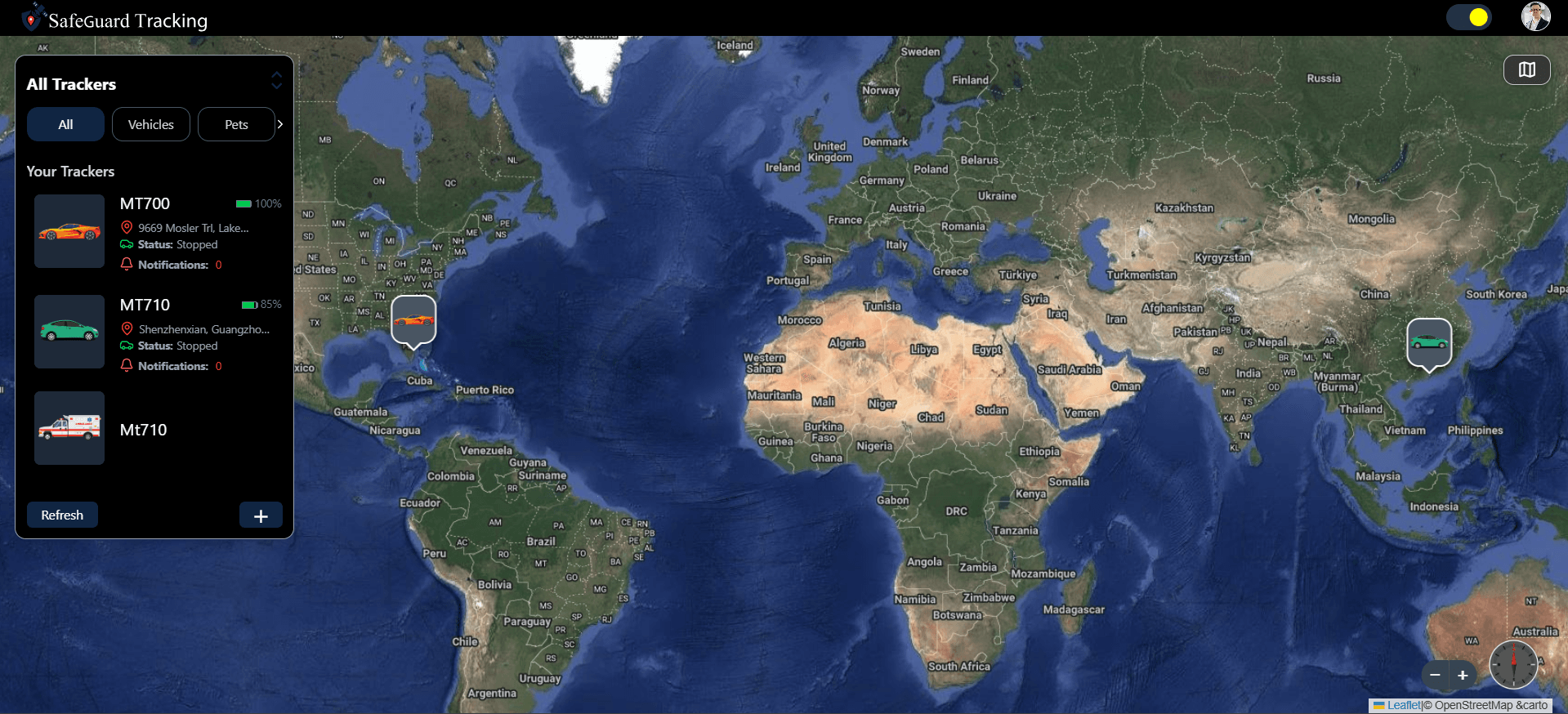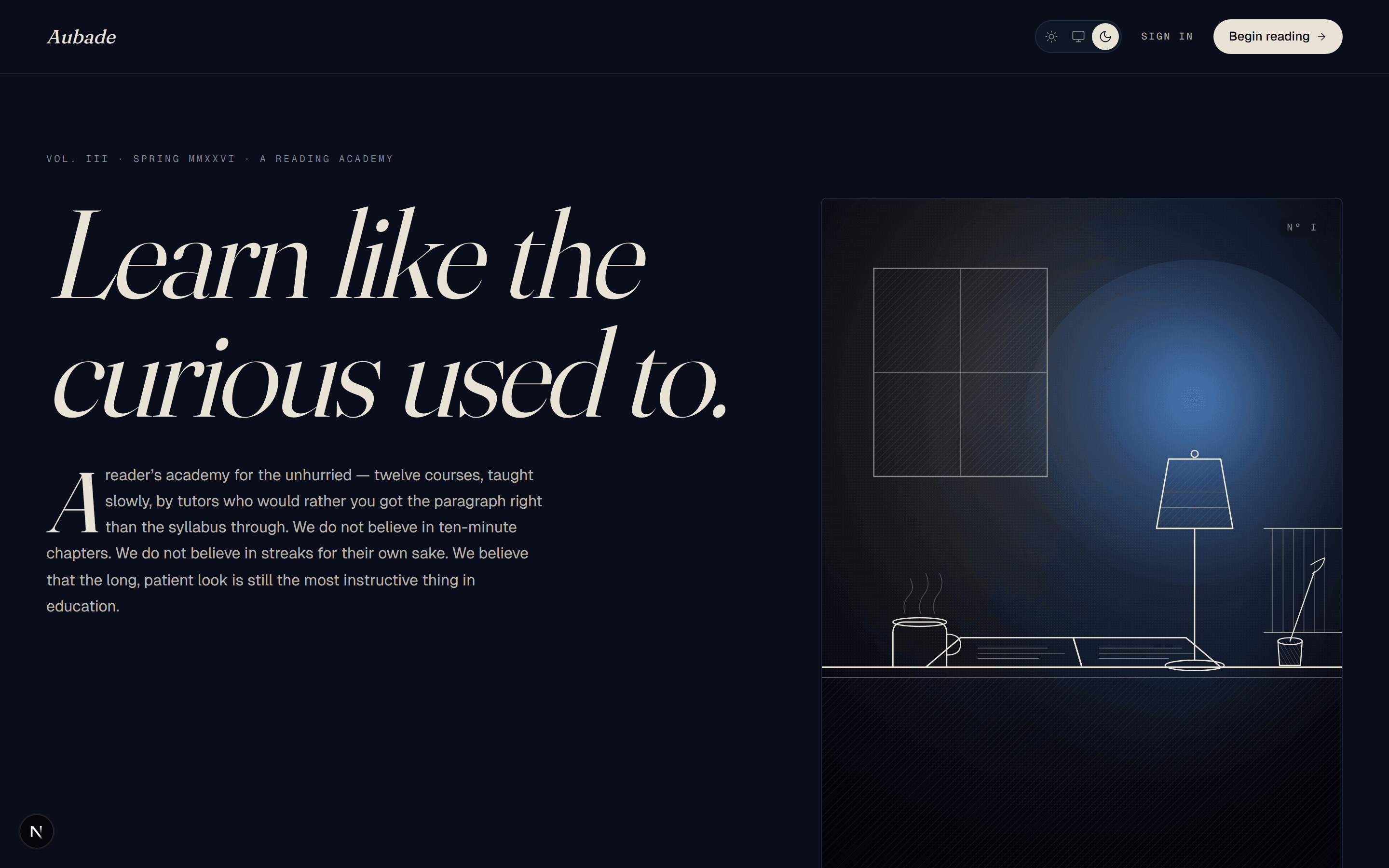
Aubade is an LMS frontend I designed and built in Next.js 16 as a complete learning portal demo for readers rather than administrators. It covers a public landing page, a student dashboard, a course catalogue, long-form course pages, a three-zone lesson player and progress analytics, all on realistic mock data. It runs on React 19 Server Components, Tailwind CSS v4, Motion and Recharts.
The problem
Most learning platforms I have used look like the software that administers them: dense grids of boxes, progress bars on every surface, badges and notification counts. That suits mandatory training. It suits reading-heavy subjects like literature far less, where the screen should get out of the way of long text and a student is meant to slow down.
Aubade is my answer to a design question: can a learning portal take its cues from editorial publishing and still do everything an LMS has to do? I set the direction as structure from Notion, tone from the New Yorker and discipline from Linear, then held it across every screen a student touches, from the dashboard to the lesson player.
My role
I designed and built Aubade: the visual direction, the typography, the hand-drawn SVG engraving on the landing page, the component library, every route and the mock dataset. It is a frontend demo. The courses, tutors and students are part of that dataset, and the site's footer labels it a frontend demo.
Architecture and tech stack
Server Components with client islands
Course and lesson content is read in async Server Components, and only the sections that animate are client islands. A reading product is mostly text, so most of each page has no reason to ship JavaScript.
Thirteen UI primitives written from scratch
Button, Card, Tag, Skeleton, Avatar, Input, Tabs, Switch, Tooltip, Modal, Drawer, Toast and Progress (with a ProgressRing) are my own, with no shadcn or Radix underneath. The direction depends on hairlines instead of boxes and on type doing the work borders usually do, and I preferred building small components to that brief over overriding a library's defaults one by one. Six editorial atoms, such as drop caps and pull quotes, sit on top.
A tri-state theme applied before paint
System, light and dark are all offered, and an inline script sets the theme before the first paint so a page never flashes the wrong colours. A useSyncExternalStore hook keeps open tabs and the operating system preference in step. I solved the same flash problem for fifteen accent palettes on the NSCT Prep exam platform; here the extra case was following the system setting live.
Static course pages and one file for personal details
Each course page is generated statically, and lessons use a single dynamic route. The About the Developer page reads its name, socials, experience and skills from one canonical text file, so those details are never copied across the codebase.
Key features
- A landing page with a hand-composed SVG engraving, a word-by-word headline animation, a drop-cap lede and an asymmetric three-course preview.
- A student dashboard written like a journal: a typewriter date stamp, a Continue Learning panel with an animated progress ring, daily goals that strike through when done, and a marginalia sidebar.
- A course catalogue with typewriter-style filter chips that switch to italic Fraunces when active, and a featured pull-quote card breaking every fourth row.
- Course pages as long-form essays, with a table-of-contents lesson list, an instructor card and footnote-numbered resources.
- A three-zone lesson player: lesson navigation on the left, the reading in the centre with a mark-as-complete check, and an auto-saved Marginalia notes panel on the right.
- Progress analytics as a magazine feature: a 26-week reading heatmap, a Recharts completion donut and subject-mastery bars.
Challenges and how I solved them
An asymmetric layout that still filters
- Problem
- Editorial layouts are irregular on purpose, while a catalogue needs filters that reshuffle the grid. Irregular cards jumping into new positions on every filter change would undo the calm the design depends on.
- Solution
- Filter changes run FLIP layout animations, so cards travel to their new places instead of snapping, and the pull-quote card that breaks every fourth row keeps the rhythm whatever the filter shows.
A lesson screen built for reading
- Problem
- Lesson players usually put the video or content in a frame surrounded by controls. For text, that leaves a narrow column and nowhere to think on the page.
- Solution
- I split the lesson player into three zones, with navigation and notes on either side of a centred reading column with a drop-cap body. Notes in the Marginalia panel save themselves, so a thought written mid-lesson is not lost when the student moves on.
Mock data that behaves like a real term
- Problem
- Screens designed against three placeholder rows break the first time they meet real volume, especially a year-long activity heatmap.
- Solution
- The type-checked mock dataset holds 9 courses across 6 subjects, around 70 lessons, 8 assignments and a 365-day activity record per student, so every layout was built against a realistic load from the start.
Results
Aubade is live at aubade.abdullahawais.com as a 22-route LMS frontend: 12 user-facing pages, 9 statically generated course pages and one dynamic lesson route, responsive from 390px to 1440px and wider, with zero linter warnings. It shares Next.js 16, Motion and Recharts with PulseRep, my gym management dashboard, which pushes the same stack toward energy and game mechanics, where Aubade asks the reader to slow down.
- 22 routes
- 12 user-facing, 9 static course pages, 1 dynamic lesson
- 13
- UI primitives built from scratch
- ~80
- components in total
- 390 to 1440px+
- responsive range in light, dark and system themes
What's next
The next step is a backend: real accounts and enrolment, and notes and progress that follow a student between devices instead of living in one browser.